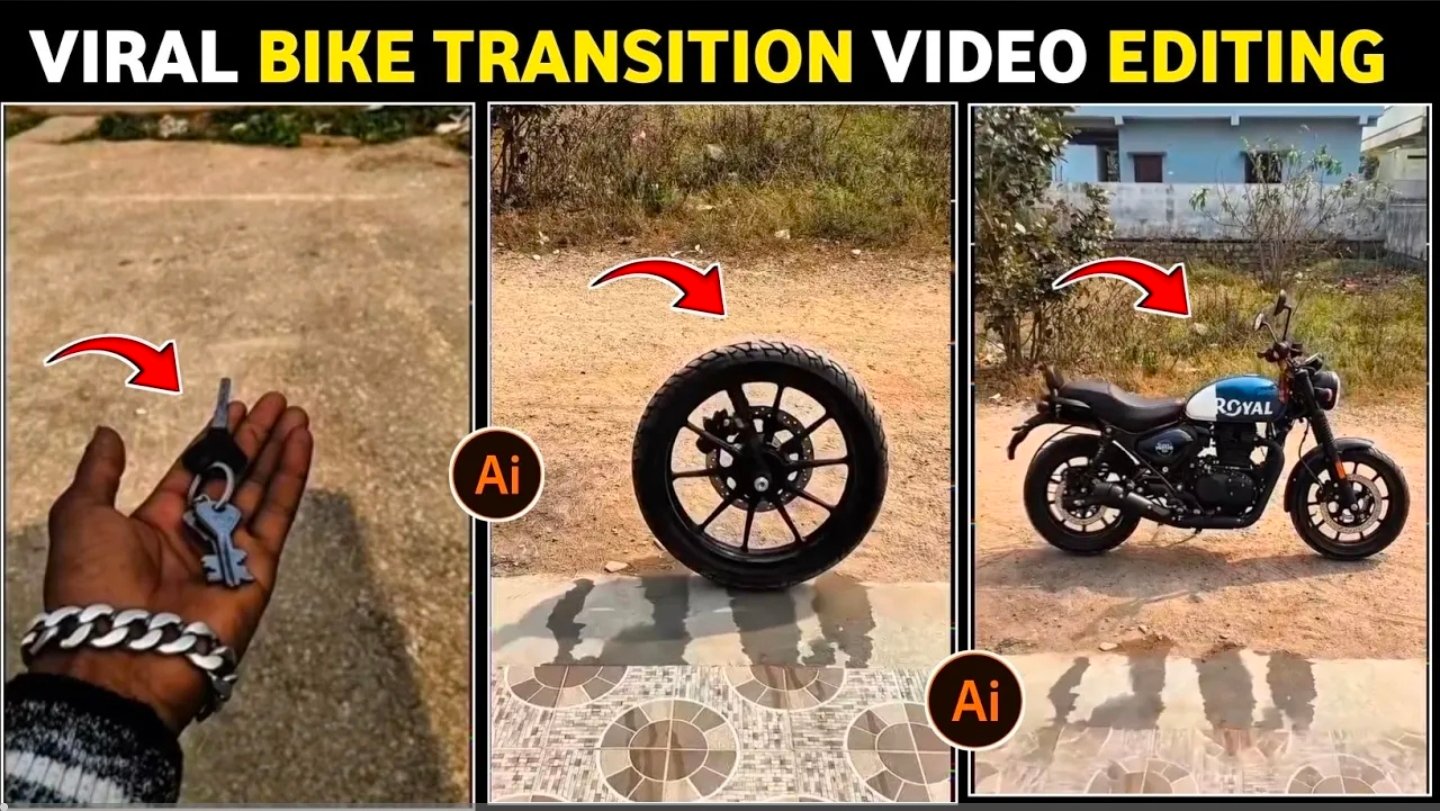
Trending Bike Key Edits
Here is a concise explanation of “trending bike key edits” and instructions on how to create your own popular versions, particularly for platforms like TikTok, Instagram Reels, and Shorts.
Understanding Bike Key Edits
“Bike key edits” are a type of popular video editing style that showcases bicycles. These edits typically utilize pre-designed templates to incorporate cinematic transitions, synchronize with music beats, add special effects, and create dynamic visuals. They have gained significant popularity on TikTok and Instagram due to their ability to transform ordinary bike footage into professional and visually appealing content with minimal effort.
These edits frequently feature:
Rapid, fluid transitions that are synchronized with music.
Cinematic color adjustments.
Slow-motion or speed ramp effects.
Overlaid text or highlighted key moments.
A vertical format suitable for reels and shorts.
Instagram-Focused Bicycle Edits
We offer templates designed for Instagram to ensure your edits remain current and aesthetically pleasing.
Key features include:
Slow-motion bicycle footage (utilizing #slowmo)
Dynamic rolling shots and precise angle cuts
Synchronization with popular phonk or trending music
Here’s a guide on how to create your bike key edit:
Select a popular template on CapCut or a comparable editing application.
Import your video clips, such as bike starts, wheelies, and scenic views.
Incorporate music, ideally a trending audio track.
Refine the timing and color to align with the desired aesthetic.
Export and share your creation as a Reel or TikTok, utilizing hashtags like #bikeedit #fyp #viral.
Should you be interested, I can recommend the most current trending audio/music that creators are employing for bike edits, based on TikTok/Instagram trends.
Prompt
Use first frame as starting reference and second frame as ending reference. Transform the key into the motorcycle smoothly with realistic materialization effect. Maintain exact camera angle and background. Add subtle dust and cinematic motion. Keep the subject position stable. Avoid glitches, avoid stretching, keep realistic lighting and shadows. Ultra realistic.
